



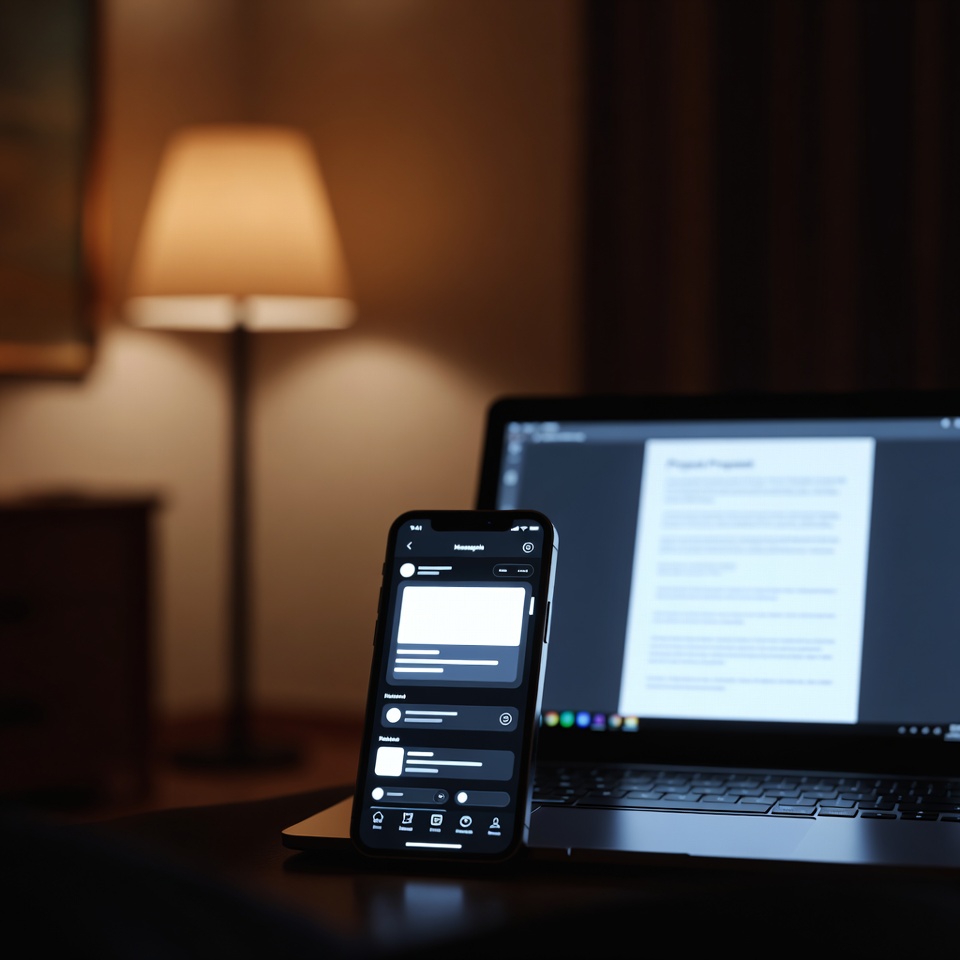
You’ve seen the dream setup: lights that gently wake you up, turn on automatically when you get home, and set the perfect mood for movie night. But then you look at the price of a single smart bulb or a fancy hub, and the dream fizzles. What if you could get 80% of the smart lighting experience without buying a single new bulb?
The secret isn’t in the bulb—it’s in the control. By using free apps to command the lights you already own, you can automate your home, save energy, and add serious convenience. All you need is your smartphone and a few minutes to set it up. Let’s hack your lighting.
The Core Principle: Smart Control, Dumb Bulbs. 🎛️
You don’t always need a smart bulb. You need a smart switch or a smart plug. But since we’re on a zero-dollar budget, we’re going to use what you already have: the outlet and the timer function in free apps connected to your basic lamps.
The goal: Automate the lamps and fixtures you plug in, not the hardwired ones (yet). This covers most of your lighting needs.
Hack #1: The Set It & Forget It Schedule (Your Foundation)
The Tool: Your phone’s built-in Clock app (Alarm function) or any free smart home app that allows scheduling without hardware, like Google Home or Apple Home with dummy setups.
The Trick: Use a standard plug-in lamp. In your Google Home or Apple Home app, you can create a Home and add a Speaker or TV as a placeholder. Then, use the Automation tab to set a schedule.
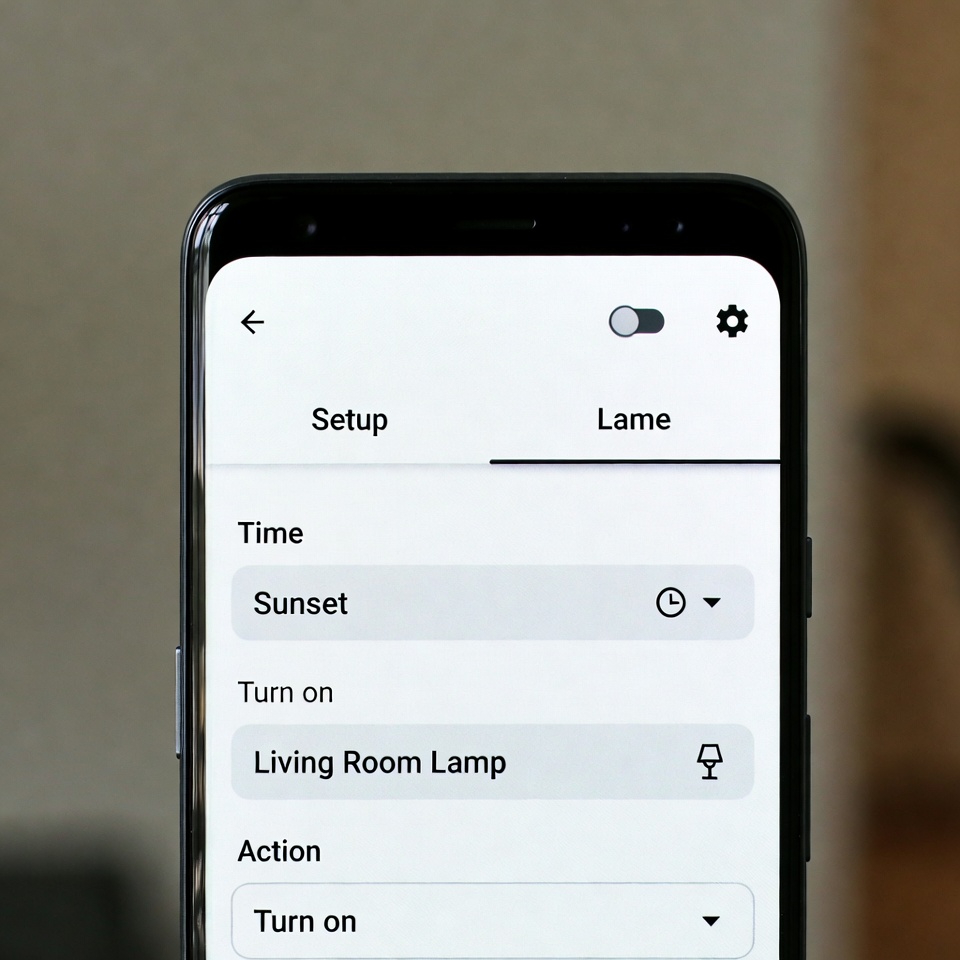
- Sunset Routine: Set a lamp to turn on every day at sunset. (App calculates this automatically).
- Wake-Up Routine: Set a lamp to turn on at 6:45 AM as a gentle, alarm-clock alternative.
- Bedtime Routine: Set all your lamps to turn off at 11 PM.
How to Do It (Example with Google Home):
- Open Google Home app.
- Tap Automations > + > Personal.
- Choose Starter: Time of day (e.g., Sunset).
- Choose Action: Adjust home devices > Add action > Type: Turn on [Lamp Name].
- Save. Your lamp now has a brain.
Hack #2: The Voice Control Illusion (No Smart Speaker Needed)
The Tool: Google Assistant or Siri (already on your phone).
The Trick: You can use voice commands to control your phone, which can trigger lighting actions. This is a bridge solution before you get smart plugs.
- Setup a Quick Routine: Hey Google, good morning. Have it trigger: 1) Tell you the weather, 2) Read your calendar, 3) Turn on the flashlight (for walking to the light switch!).
- Use IFTTT (If This Then That): This free app can connect services. Create an applet: If I say ‘Hey Google, turn on the bedside light,’ then IFTTT sends a notification to my phone. Make the notification a specific tone. Place your phone by the lamp. When you say the command, the tone reminds you to manually flip the switch. It’s a psychological hack that feels like automation while you save for a smart plug.
Hack #3: The Fake Occupancy Security Boost. 🔒
The Tool: Any basic light timer plug (a $5-10 one-time purchase, the only potential cost) or the scheduling apps above.
The Trick: When on vacation, predictability is suspicious. Randomness looks real.
- The App Method: Use your Google Home automations to turn a lamp on and off at slightly different times each evening (e.g., 7:10 PM one night, 6:55 PM the next).
- The Old-School Method: A mechanical timer plug set to turn a lamp on for 3-4 hours each evening is a powerful, cheap deterrent. It’s a low-tech smart device.
Hack #4: The Circadian Rhythm Health Hack. 🌅
The Tool: Apps like F.lux (for computers) or your phone’s Night Light/Blue Light filter.
The Trick: While not controlling your bulb, this controls the biggest light source in your evening: your screens. Warmer light in the evening signals to your brain that it’s time to wind down.
- Automate It: Set your phone’s Night Light to turn on automatically at sunset.
- Maximize It: Combine this with your scheduled warm-toned lamps (using dimmable LED bulbs) to create a holistic, sleep-friendly lighting environment for free.
Hack #5: The Group & Scene Mindset (Prepare for the Future)
The Tool: Free apps like Amazon Alexa or Google Home, even without devices.
The Trick: Start building your smart home framework now. Create rooms and groups in the app.
- Create a Living Room group. When you eventually buy one smart plug, add it here.
- Create a Goodnight scene. Program it to: turn off the Living Room, lock the doors (if you get a smart lock), and set an alarm. Even if only the set an alarm part works now, you’ve built the habit and the routine.
Your First 10-Minute, $0 Smart Lighting Project
Tonight: Implement the Sunset Lamp.
- Plug a lamp into an outlet you can easily reach.
- Open your Google Home or Apple Home app.
- Follow the steps in Hack #1 to create a Sunset to 11 PM automation.
- Test it. At sunset, your lamp will turn on. Feel the magic.
This proves the concept. From here, you can:
- Spend $8: Buy a basic smart plug for that lamp. Now you can control it anytime from your phone, voice, or schedule, truly automating it.
- Spend $15: Buy a dimmable smart bulb for your main reading lamp and pair it with the free app.
The One Critical Warning
Not all bulbs dim well with basic smart plugs. LEDs are best. Avoid using smart plugs with motors (like fans) or appliances that draw a lot of power (coffee makers). Always check the plug’s wattage rating.
Smart lighting on a budget is about being clever, not cash-heavy. You’re not just automating lights; you’re training yourself to think in automations. Start with one scheduled lamp tonight. That small win is the first step toward a home that works for you, not the other way around.








 English
  Deutsch
  Français
  Italiano
  Español
  Čeština
  Polski
  Bahasa Indonesia
  Türkçe
  Svenska
  Українська
  Português do Brasil