





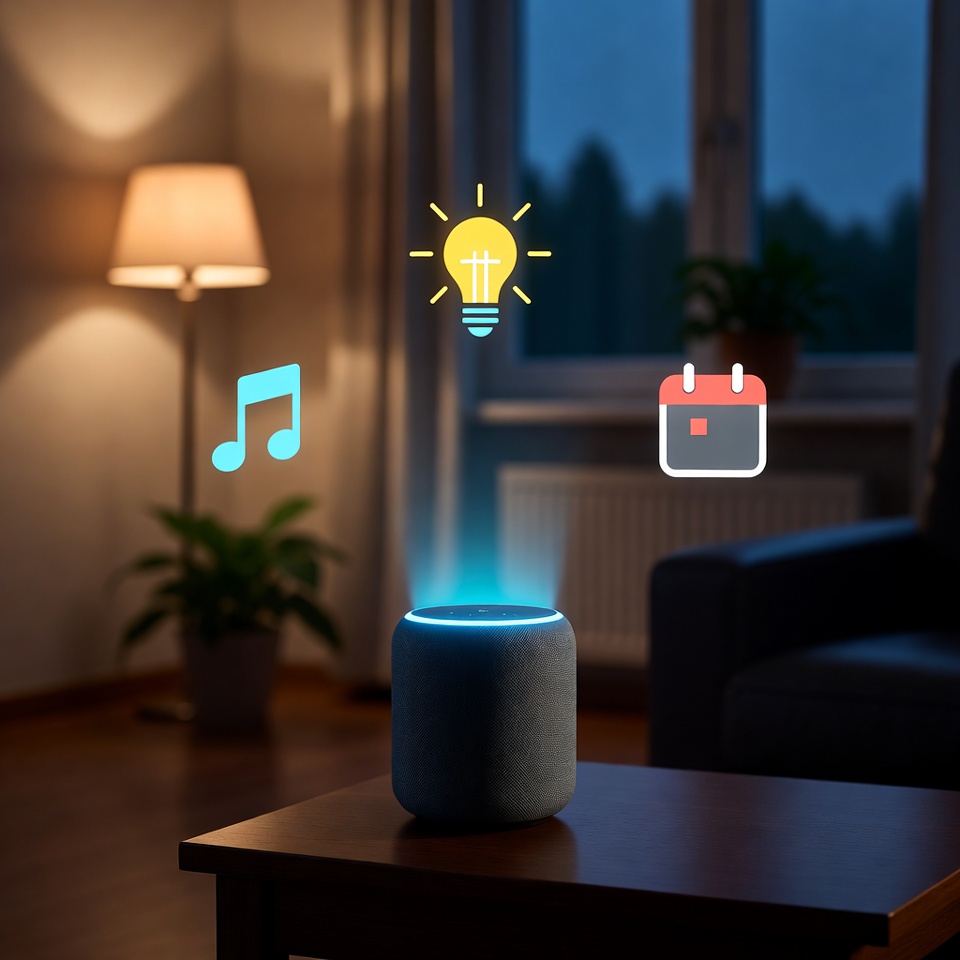
🗣️⏰. Think of your voice assistant as more than just a kitchen timer or a weather reporter. Buried beneath those cheerful responses is a powerful productivity engine waiting to be unleashed. With the right setup, Alexa or Siri can transform from a novelty into your personal chief of staff, managing your time, automating your routine, and keeping your goals on track—all through simple voice commands.
Here’s how to turn your smart speaker into a productivity powerhouse.
Read also: The $5 Smart Home
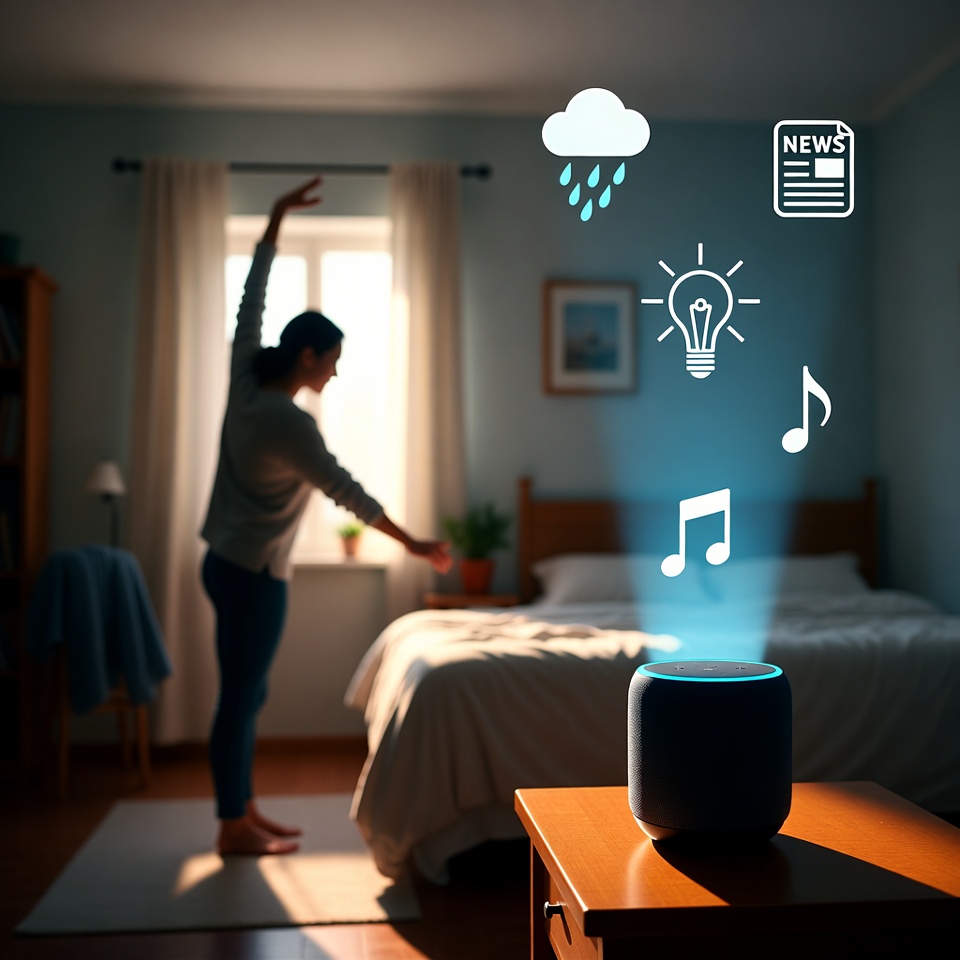
Hack 1: The Automated Morning Launch Sequence 🚀
The Goal: Transform your chaotic morning into a smooth, automated routine that sets the tone for a winning day.
The Setup:
Create a single command that triggers a cascade of helpful actions.
For Alexa (via Routine):
- In the Alexa app, go to More > Routines > +.
- Set trigger: “Alexa, start my day.”
- Add actions:
- Say: “Good morning! Today is [day of week]. Your first meeting is at [time].”
- Smart Home: Turn on bedroom lights at 10% brightness, gradually increasing.
- News: Play your preferred news brief (e.g., NPR).
- Traffic: Give your commute time to work.
- Wait: 15 minutes, then announce: “Time for your morning focus session.”
For Siri (via Shortcuts):
- Open the Shortcuts app and tap the +.
- Name it “Morning Launch.”
- Add actions like:
Get current weatherSpeak Text: “Today’s forecast is [Weather Condition].”Start a playlist(like your Morning Energy mix).Set a timerfor 5 minutes for brushing teeth.
Why It Works: It eliminates decision fatigue first thing in the morning and cues positive habits automatically.
Hack 2: The “Focus Shield” Command 🛡️
The Goal: Instantly create a distraction-free environment for deep work.
The Setup:
Create a command that silences your digital world.
For Alexa:
Create a Routine named Focus Time triggered by “Alexa, enable focus shield.” Actions:
- Smart Home: Turn on a specific Focus light (like a Philips Hue in red).
- Notifications: Set your phone to Do Not Disturb (if connected via Bluetooth).
- Say: “Focus mode activated for 90 minutes. I’ll remind you to take a break.”
- Wait: 90 minutes, then Say: “Deep work session complete. Time for a 10-minute break.”
For Siri:
Create a Shortcut called “Focus Shield” that:
- Sets a Do Not Disturb focus mode for 90 minutes.
- Sends a pre-written text to a family group: “In deep work until [time].”
- Launches your focus app (like Forest or Freedom).
Why It Works: It creates a physical and digital ritual that tells your brain, “It’s time to concentrate.”
Hack 3: The Smart Grocery & Errands Manager 🛒
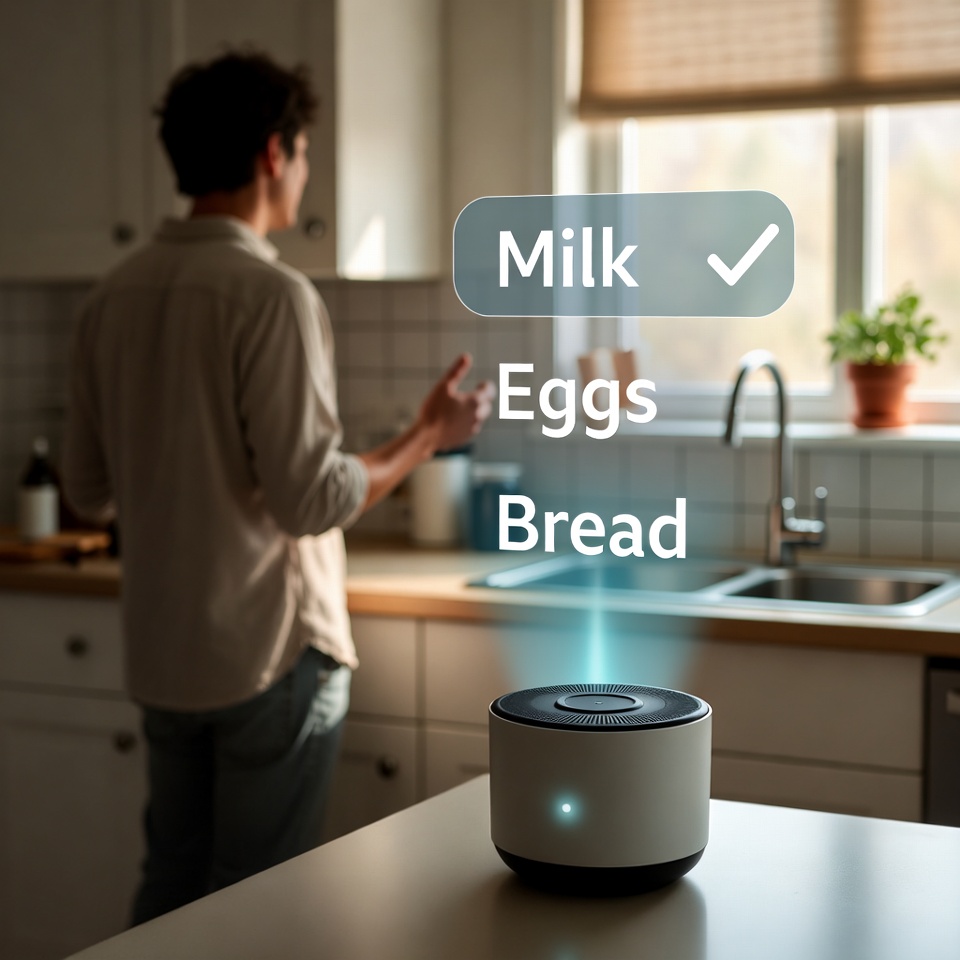
The Goal: Never forget to buy milk or drop off the dry cleaning again.
The Setup:
Use location-based reminders and lists.
For Siri (The King of Location Reminders):
Simply say: “Hey Siri, remind me to pick up the prescriptions when I leave home.” Or, “Remind me to call the dentist when I get to the office.” Siri will use geofencing to ping you at the right place.
For Alexa (Using Lists & IFTTT):
- Voice Lists: “Alexa, add almond milk to my shopping list.” Check the Alexa app list at the store.
- Advanced: Use IFTTT to connect Alexa to Google Sheets or Todoist. Say, “Alexa, trigger errands: drop off library books,” and it logs it in your master task list.
Hack 4: The 2-Minute Rule Enforcer ⏱️
The Goal: Beat procrastination on small tasks immediately.
The Setup:
Instant, voice-activated timers for quick tasks.
Simply say:
- “Alexa/Siri, set a 2-minute timer for washing my coffee mug.”
- “Hey Google, set a 5-minute timer for clearing my desk.”
Pro Tip: Create a Routine/Shortcut called “Quick Clean” that starts a 10-minute timer and plays upbeat music. Command: “Alexa, let’s quick clean!”
Why It Works: It externalizes the commitment and adds a gamified, time-bound challenge to boring tasks.
Read also: How to Organize Your Phone and Reclaim 5 Hours a Week
Hack 5: The End-of-Day Wind-Down Ritual 🌙
The Goal: Signal to your brain that work is over and it’s time to relax, improving sleep.
The Setup:
A routine that reverses your morning launch.
For Alexa (Evening Routine):
Trigger: “Alexa, start wind down.”
Actions:
- Smart Home: Dim the living room lights, turn off workroom lights.
- Music/Sound: Start a “Evening Jazz” playlist or “Rain Sounds” at low volume.
- Calendar: “Your last meeting tomorrow is at 3 PM with Sarah.”
- Wait: 30 minutes, then Say: “15 minutes until your digital curfew.”
For Siri:
Create a Shortcut that:
- Turns on Sleep Focus mode.
- Texts your partner: “Wrapping up for the day.”
- Logs your end-of-day note in a Notes app: “Today I completed…”
Why It Works: It creates a clear boundary between productive time and restorative personal time, reducing burnout.
Your First Command: Start Small, Think Big
Don’t try to build all of these at once. Your mission today:
- Pick one hack that solves your biggest pain point (e.g., chaotic mornings).
- Spend 5 minutes setting up that single Routine or Shortcut.
- Use it consistently for three days.
The real power isn’t in the technology itself, but in the intentional habits you build around it. By teaching your voice assistant to work for you, you’re not just saving a few seconds—you’re architecting a more focused, efficient, and controlled day. Now, go tell your assistant what to do. It’s listening.










 English
  Deutsch
  Français
  Italiano
  Español
  Čeština
  Polski
  Bahasa Indonesia
  Türkçe
  Svenska
  Українська
  Português do Brasil