






Let’s be honest. You’ve used “Do Not Disturb” before. You tap the little moon icon, feel a brief moment of peace, and then… your screen still lights up with notifications. Your focus gets shattered when your mom calls for the third time. That “deep work” session turns into just… well, work.
The problem isn’t the feature. The problem is that you’re using its most basic, surface-level version. There’s a hidden layer to “Do Not Disturb” (or its more powerful successor, Focus Modes) that acts like a digital force field. Once you set it up, you can finally access the state of flow you’ve been chasing.
Read also: 7 Rules to Reclaim Your Focus
This isn’t just about silencing your phone. It’s about architecting your attention.
The Standard Method (The One That Fails You)
Most people just turn on DND. This silences most notifications, but it’s full of loopholes:
- It often allows repeated calls (in case of “emergency”).
- Notifications still pile up on your lock screen, creating a daunting “to-digest” list.
- The second you turn it off, you’re bombarded.
It’s like putting a “Do Not Enter” sign on your door but leaving it unlocked. The truly focused work never happens.
The Advanced Hack: Creating an Impenetrable Focus Fortress 🏰
The secret is to create a custom Focus Mode (on iPhone) or a Digital Wellbeing Schedule (on Android) with ruthless specificity. You’re not just silencing your phone; you’re programming it for a single task: protecting your attention.
Here’s your step-by-step blueprint:
Step 1: Create a “Deep Work” Focus Mode
Don’t use the generic “Do Not Disturb.” Create a new, dedicated mode.
- On iPhone: Go to
Settings > Focus > + (plus sign) > Custom. Name it something powerful like “Deep Work” or “Writer’s Block.” - On Android: Use
Digital Wellbeing & Parental Controls > Focus Modeand create a new schedule.
Step 2: The “Who Can Break Through?” Setting (This is the Key)
This is the most crucial step. You must be ruthless.
- Tap
Allowed Notificationsand selectNoneorSilence Notifications From...and leave it empty. - Under
People, select only the absolute essentials. Maybe your spouse or your kid’s school. Not your coworker. Not your group chat. - Under
Apps, allow nothing. No email, no Slack, no social media.
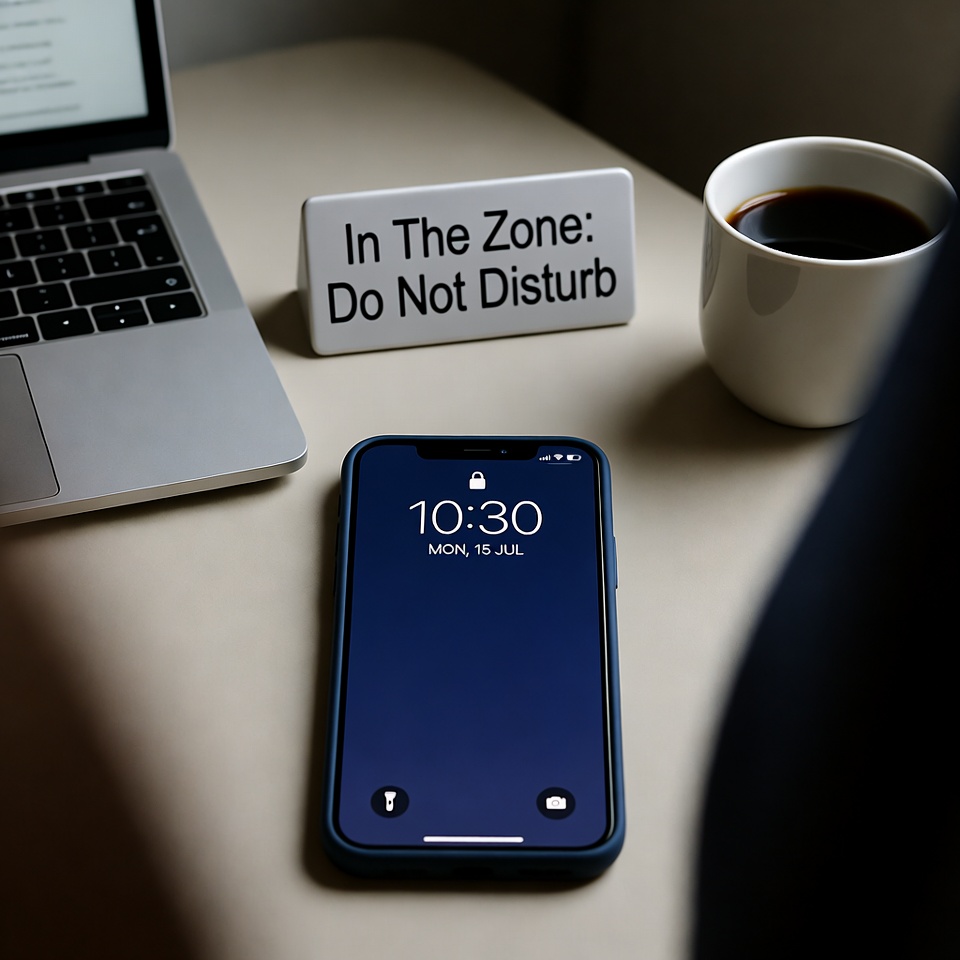
Step 3: Create a “Focus Wallpaper” 🖼️
This is a psychological power-play. Set a custom lock screen for this mode.
- Choose a simple, minimalist image. A solid color, a serene landscape, or even just the text “IN FOCUS.”
- Every time you glance at your phone, this screen reinforces your mission and removes the visual clutter of normal notifications.

Step 4: Automate Your Focus 🕒
Don’t rely on willpower to turn it on. Schedule it.
- Set your “Deep Work” focus to activate automatically from 9 AM – 11 AM, Monday through Friday.
- Your phone now becomes a focused machine by default, without you even thinking about it.
The “Nuclear Option”: Allow Nothing and No One
For your most important work, try this: Set the mode to allow no one and no apps. Let calls go to voicemail. The world will not end. For 90 minutes, you become unreachable for anything but the work in front of you. This is where true genius happens.
The Final Touch: The Physical Signal
Pair your digital fortress with a physical cue. When your Focus Mode is on, put on a specific hat, use a different coffee mug, or close your office door. This tells your brain—and anyone around you—that you are not to be interrupted.
Your Brain Will Thank You
This isn’t just a phone trick. It’s a ritual. By creating this boundary, you’re telling your brain it’s safe to dive deep. The constant, low-level anxiety of “what am I missing?” vanishes. You’re not being rude; you’re being professional about your most valuable resource: your cognitive capacity.
Stop just silencing your phone. Start commanding it. Build your Focus Fortress today and discover what you’re truly capable of. 🚀












 English
  Deutsch
  Français
  Italiano
  Español
  Čeština
  Polski
  Bahasa Indonesia
  Türkçe
  Svenska
  Українська
  Português do Brasil