




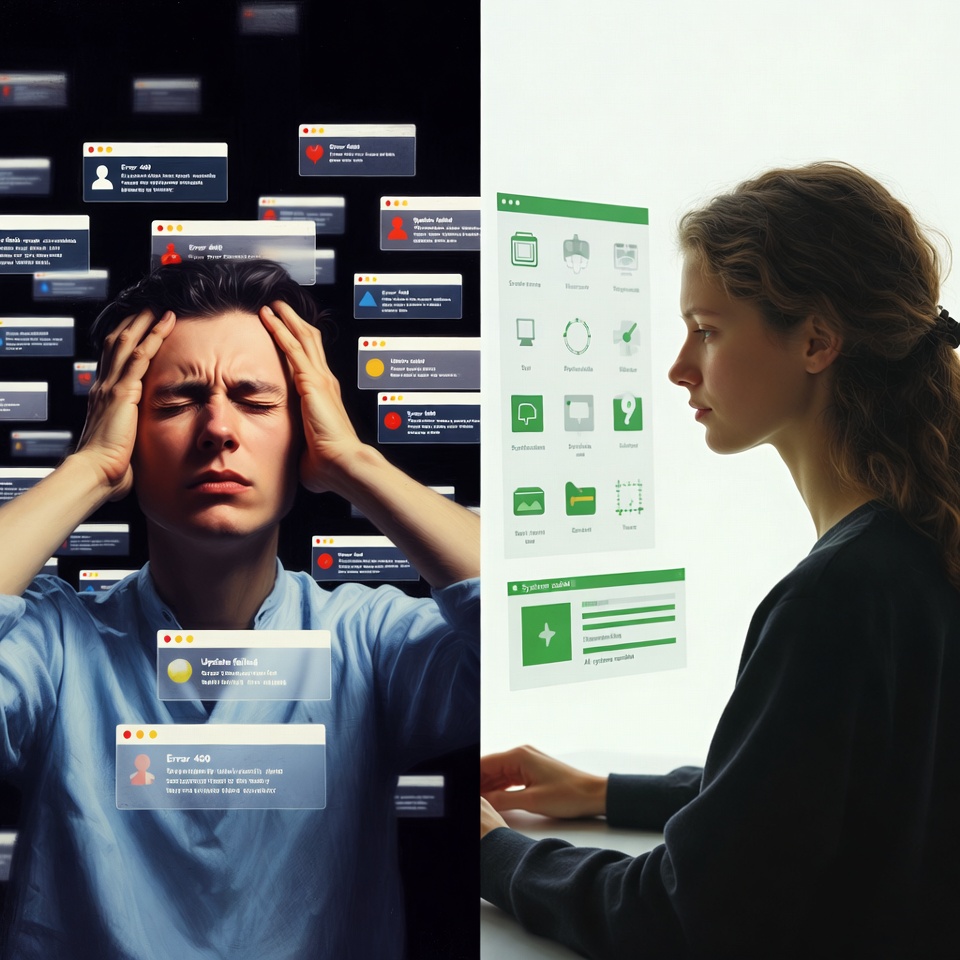
🔕. I was drowning in digital noise. My phone buzzed, beeped, and blinked from morning until night. Every notification felt urgent – until I realized I was spending more time managing alerts than doing actual work. The constant interruptions were stealing my focus, my creativity, and my peace of mind.
Sound familiar? You’re not alone. The average person receives over 100 notifications daily, creating a constant state of digital interruption that’s scientifically proven to reduce productivity and increase stress.
But I discovered a better way. After experimenting with dozens of approaches, I developed these 7 rules that transformed my relationship with technology and gave me back my focus.
Rule 1: The “Scheduled Check-In” System ⏰
The Problem: Checking notifications as they arrive guarantees constant interruption.
The Solution: Designate specific times for checking notifications. I use:
- 10 AM: Morning check-in
- 1 PM: Afternoon review
- 4 PM: End-of-day wrap-up
How to Implement:
- Turn off all notification sounds and banners
- Set calendar reminders for your check-in times
- Use this time to batch-process all notifications
The first few days feel strange, but soon you’ll discover the freedom of uninterrupted work blocks.
Read also: The “Do Not Disturb” Hack You’ve Been Missing
Rule 2: The “Three-Tier” Priority Filter 🎯
The Problem: Treating all notifications as equal means important messages get lost in the noise.
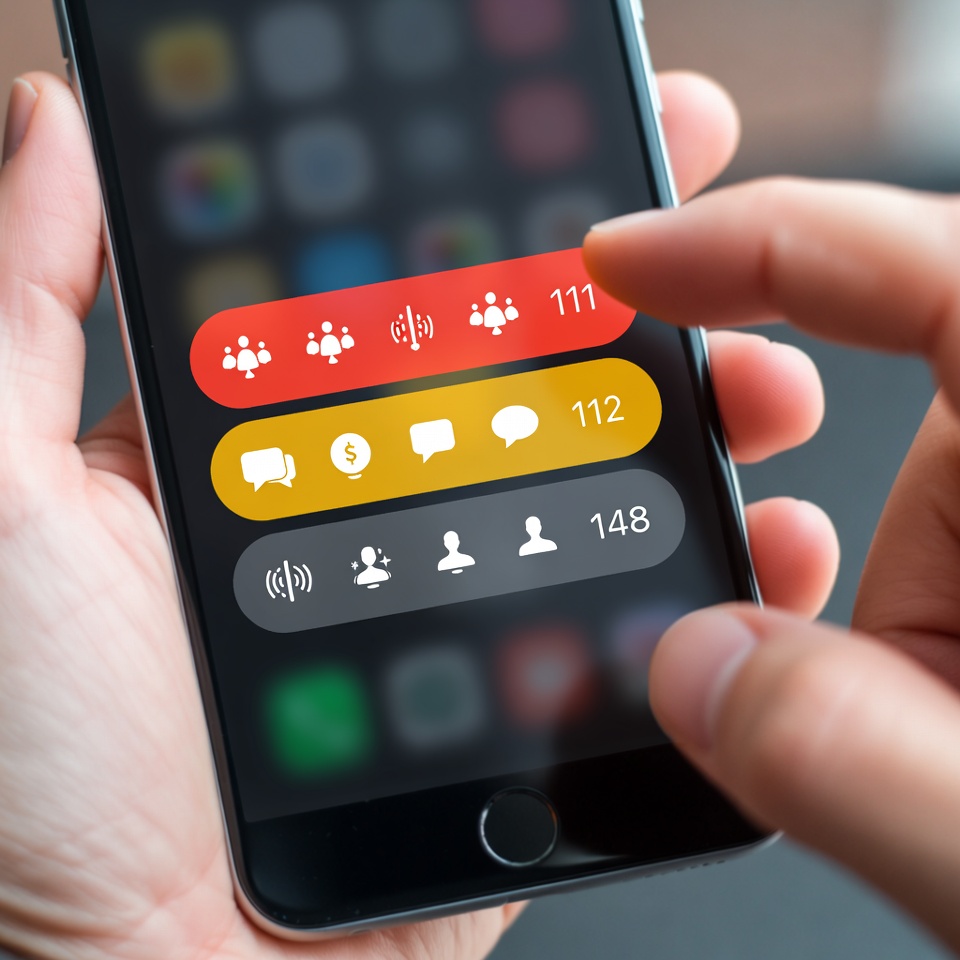
The Solution: Create three categories:
- Tier 1 (Critical): Only direct messages from key people (family, boss)
- Tier 2 (Important): Work emails, project updates
- Tier 3 (Informational): Everything else
How to Implement:
- Only Tier 1 gets sound and banner notifications
- Tier 2 appears in notification center but doesn’t interrupt
- Tier 3 is silenced completely
Rule 3: The “App Audit” Purge 🗑️
The Problem: Most apps default to sending excessive notifications to keep you engaged.
The Solution: Conduct a ruthless notification audit.
My Process:
- Open Settings > Notifications on your phone
- For each app, ask: “Does this notification help or interrupt me?”
- Be merciless – I turned off notifications for 80% of my apps
Apps that lost notification privileges:
- Social media (all of them)
- Games
- News apps
- “Promotional” notifications from shopping apps
Rule 4: The “Focus Mode” Automation 🤖
The Problem: Manually managing notifications is unsustainable.
The Solution: Use built-in focus features to automate protection.
My Setup:
- Work Focus: Only Slack and email notifications
- Deep Work Mode: No notifications except texts from wife
- Evening Mode: Only family and emergency contacts
How to Implement:
- Set up automatic schedules (e.g., Work Focus: 9 AM-5 PM)
- Create custom home screens for each mode
- Use location-based triggers (e.g., Work Focus activates at office)
Rule 5: The “Notification Curfew” 🌙
The Problem: Notifications disrupt sleep and family time.
The Solution: Establish strict no-notification hours.
My Rules:
- 8 PM-8 AM: Do Not Disturb automatically enabled
- Dinner time: Phones in another room
- Weekends: Limited to Tier 1 notifications only
The mental break is more valuable than you can imagine.

Rule 6: The “One Device” Rule 📵
The Problem: Multiple devices mean multiple interruption sources.
The Solution: Designate one device as your “notification hub.”
My System:
- Phone: Handles all notifications
- iPad: Notifications disabled
- Computer: Only shows notifications during designated hours
This eliminates the “notification echo” where the same alert hits multiple devices.
Read also: The Secret Weapon of Highly Successful People
Rule 7: The “Weekly Review” Habit 🔄
The Problem: Notification creep – they slowly multiply over time.
The Solution: A 5-minute weekly notification review.
Every Sunday I Ask:
- Which notifications actually helped me this week?
- Which caused unnecessary interruption?
- What can I turn off or modify?
This prevents backsliding and keeps your system optimized.
The Transformation: Before and After
Before:
- Constant context switching
- 2-3 hours daily lost to notification management
- High stress levels
- Never truly “off”
After:
- 3-4 hour uninterrupted work blocks
- 45 minutes daily on communication
- Noticeably calmer mindset
- Genuine work-life separation
Your Action Plan Starts Today
You don’t need to implement all seven rules at once. Start here:
- This Week: Implement Rule 1 (Scheduled Check-Ins) and Rule 3 (App Audit)
- Next Week: Add Rule 2 (Three-Tier System) and Rule 5 (Notification Curfew)
- Week Three: Incorporate the remaining rules
The goal isn’t perfection – it’s progress. Every notification you silence is a small victory for your focus and mental clarity.
Remember: You control your technology; it shouldn’t control you. These seven rules gave me back my attention, my productivity, and my peace of mind. They can do the same for you.
Your focused future starts with one simple question: What notification can you turn off right now?












 English
  Deutsch
  Français
  Italiano
  Español
  Čeština
  Polski
  Bahasa Indonesia
  Türkçe
  Svenska
  Українська
  Português do Brasil