



Let’s be real. You’re probably reusing some version of the same password you created back in 2012. Maybe you just change a number at the end, or swap an “o” for a “0”. You think, “Who’s gonna bother hacking me?”
The answer is: everyone. Bots. They don’t sleep 😴. They spend all day, every day, trying to log into everything. And that “clever” password you thought was so unique? Password123! isn’t fooling anyone.
I used to be the same. My system was… creative, I’ll give myself that. But then a friend who works in cybersecurity sat me down and gave me the simplest, most genius formula. It takes two seconds, and you’ll never worry about passwords again.
Forget everything you’ve been told about crazy symbols. The real secret is length and randomness.
Read also: Create Unbreakable Codes Without Forgetting Them
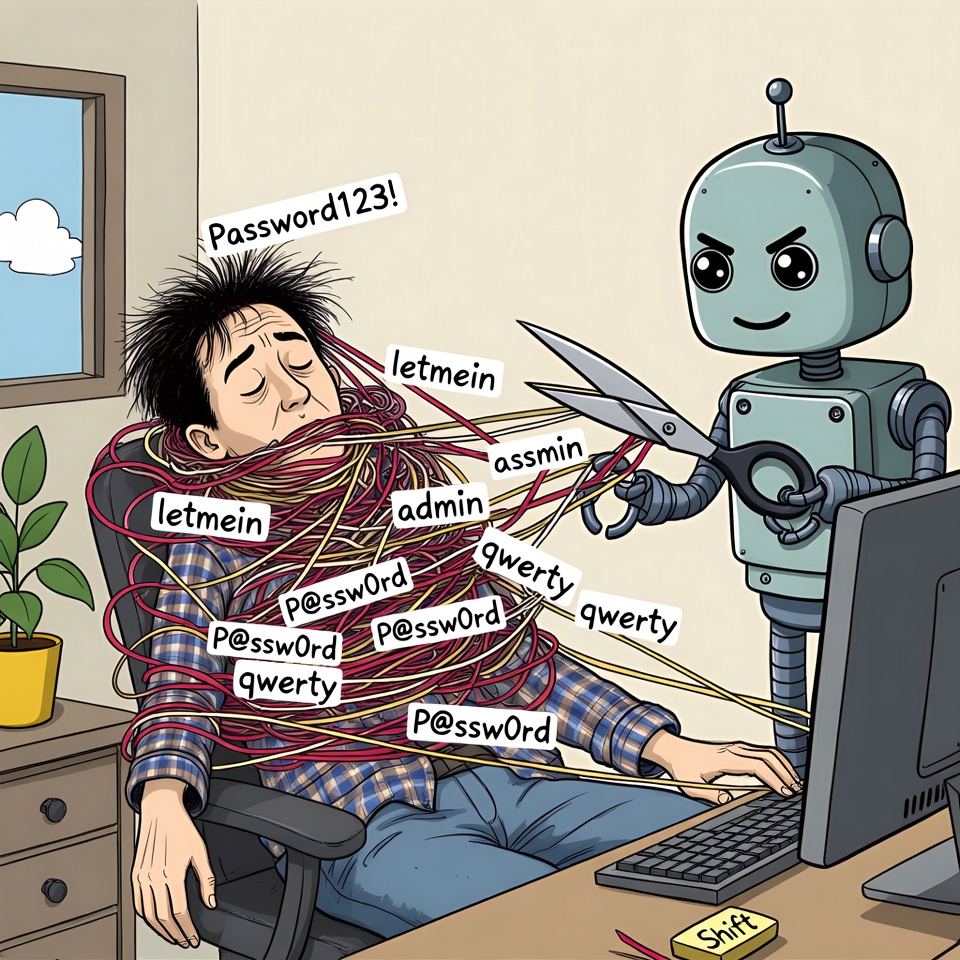
The “I’ll Never Remember This” Myth 🧠 (And How to Beat It)
The biggest reason we use weak passwords is fear. Fear of forgetting. So we use our dog’s name and our birthday 🎂. The problem is, that info is probably on your Facebook profile!
The trick isn’t to create one insane, unmemorable password. It’s to create a pattern for making strong ones that are unique for every site.
Here’s the formula my friend gave me. It’s stupidly simple:
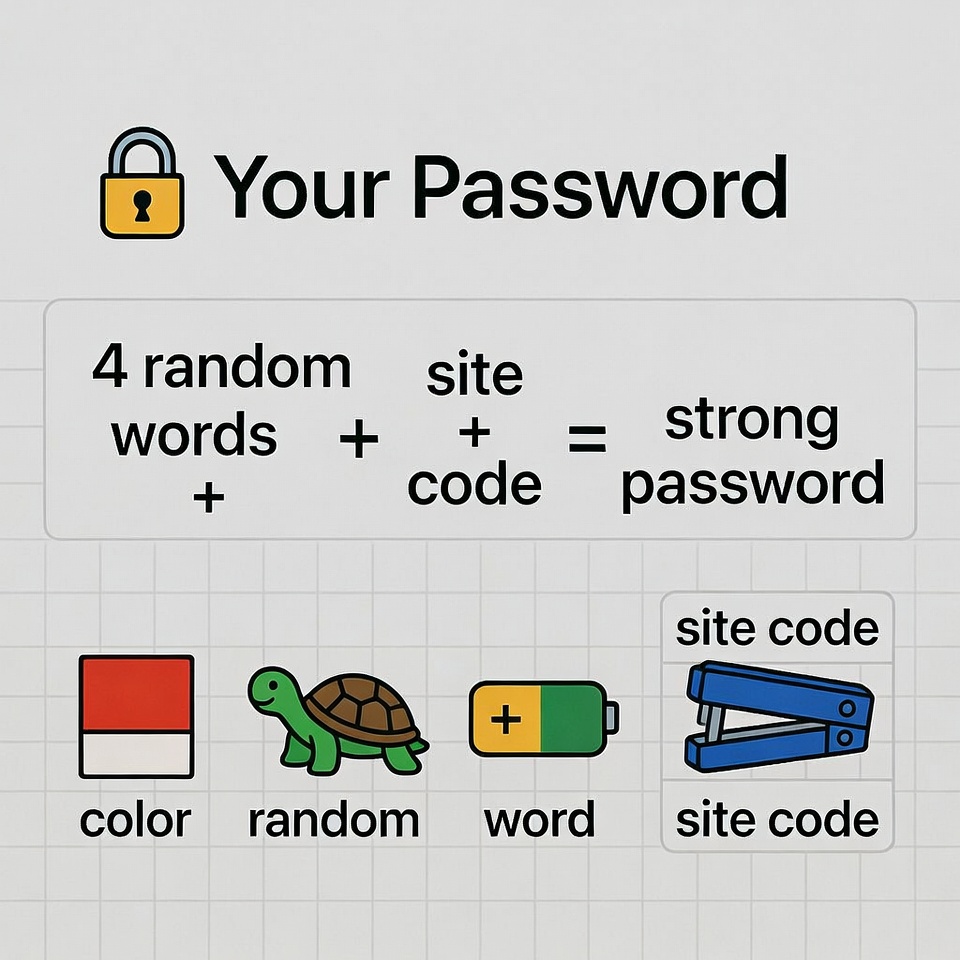
Pick 4 random, unconnected words. Smash them together. Add a site-specific clue.
Let me show you. 👇
- Start with a base. Think of four completely random things. Not your kid’s name, not your favorite band. Just… things.
-
Red+Turtle+Battery+Staple
-
- Smash them together. No spaces, just one long string of letters.
-
-
RedTurtleBatteryStaple
-
See? Already, that’s a long password. It’s not a real phrase, so it’s hard to guess. But it’s made of real words, so it’s way easier to remember than Kd8#k$m!Lp.
- Now, make it unique for every site. Add a simple code at the end based on the website.
- For Facebook, maybe take the first and last letter:
Fk - For Netflix, maybe
Nx - For your Bank 🏦, maybe
Bk
So your final, unbreakable passwords become:
- Facebook:
RedTurtleBatteryStapleFk - Netflix:
RedTurtleBatteryStapleNx - Bank of America:
RedTurtleBatteryStapleBk
You only have to remember your core phrase (RedTurtleBatteryStaple) and your personal rule for the ending. That’s it. You’ve just created dozens of unique, powerful passwords. 💪
But Wait, There’s a Catch 🚨 (And a Solution)
You might be thinking, “That’s great, but what about my 75 existing accounts? I’m not changing all of those by hand.”
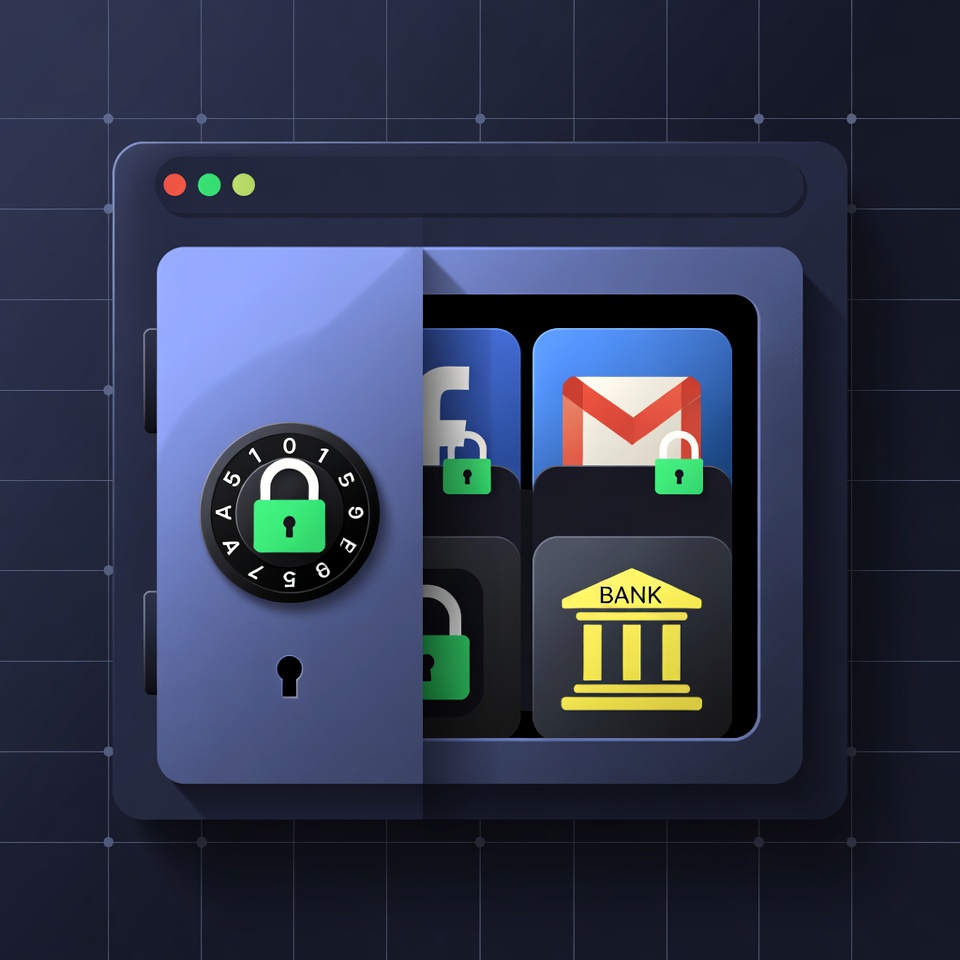
You’re right. That would be a nightmare. This is where a Password Manager becomes your best friend. 🤝
Think of it like a secure, digital vault 🔒. You only need to remember one super-strong master password (maybe made with the formula above!) to unlock it. The manager then:
- Stores all your other passwords.
- Generates and remembers insane, 20-character random passwords for you.
- Auto-fills them on websites and apps.
It’s a game-changer. I use Bitwarden (it’s free and great), but LastPass and 1Password are also popular. Once you set it up, you never have to play the “forgot password” game again.
One Last Superpower: Turn on 2FA 🛡️
If passwords are a lock, then Two-Factor Authentication (2FA) is a burly security guard standing next to it. Even if someone steals your password, they can’t get in without that second code, which is sent to your phone 📱.
Always, always turn on 2FA for your email, bank, and social media. It’s the easiest way to become 99% more secure overnight.
Your Mission, Should You Choose to Accept It 🚀
Don’t put this off. Right now, do this:
- Pick your 4 random words. Write them down if you have to. ✍️
- Change your email password using the new formula. (Your email is the most important one!).
- Download a password manager and start moving your accounts into it.
It feels like a chore, I know. But the peace of mind you get is unbelievable. You’ll finally be one step ahead of the bots. 😎








 English
  Deutsch
  Français
  Italiano
  Español
  Čeština
  Polski
  Bahasa Indonesia
  Türkçe
  Svenska
  Українська
  Português do Brasil