





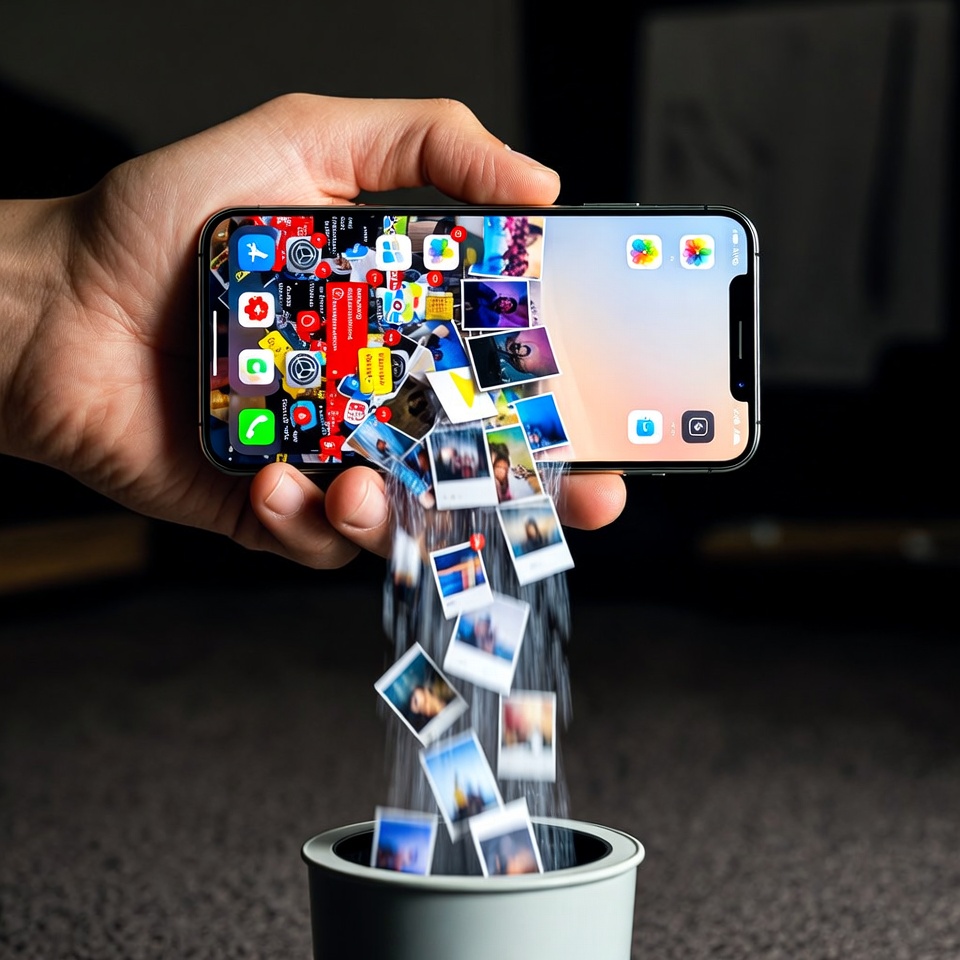
Feel like your phone is a black hole for your time? You pick it up to check one notification, and suddenly 30 minutes have vanished. You’re not alone. The average person spends over 3 hours a day on their phone, often mindlessly scrolling through clutter. That adds up to a staggering 21+ hours a week.
What could you do with an extra five hours? 🧐 Learn a new skill? Read a book? Finally start that hobby? Or simply enjoy more uninterrupted, present moments with loved ones?
The good news is that you can reclaim that time. It’s not about ditching your phone; it’s about transforming it from a source of distraction into a tool of purpose. Welcome to Digital Decluttering—your step-by-step guide to organizing your phone and buying back your time.
The “Why”: Your Phone’s Hidden Tax on Your Brain
Before we dive in, understand this: digital clutter isn’t harmless. Every unused app, every unread notification, and every chaotic home screen creates something called cognitive load. Your brain has to constantly process and filter this visual noise, leading to decision fatigue and making it harder to focus. A cluttered phone is a stressful phone.
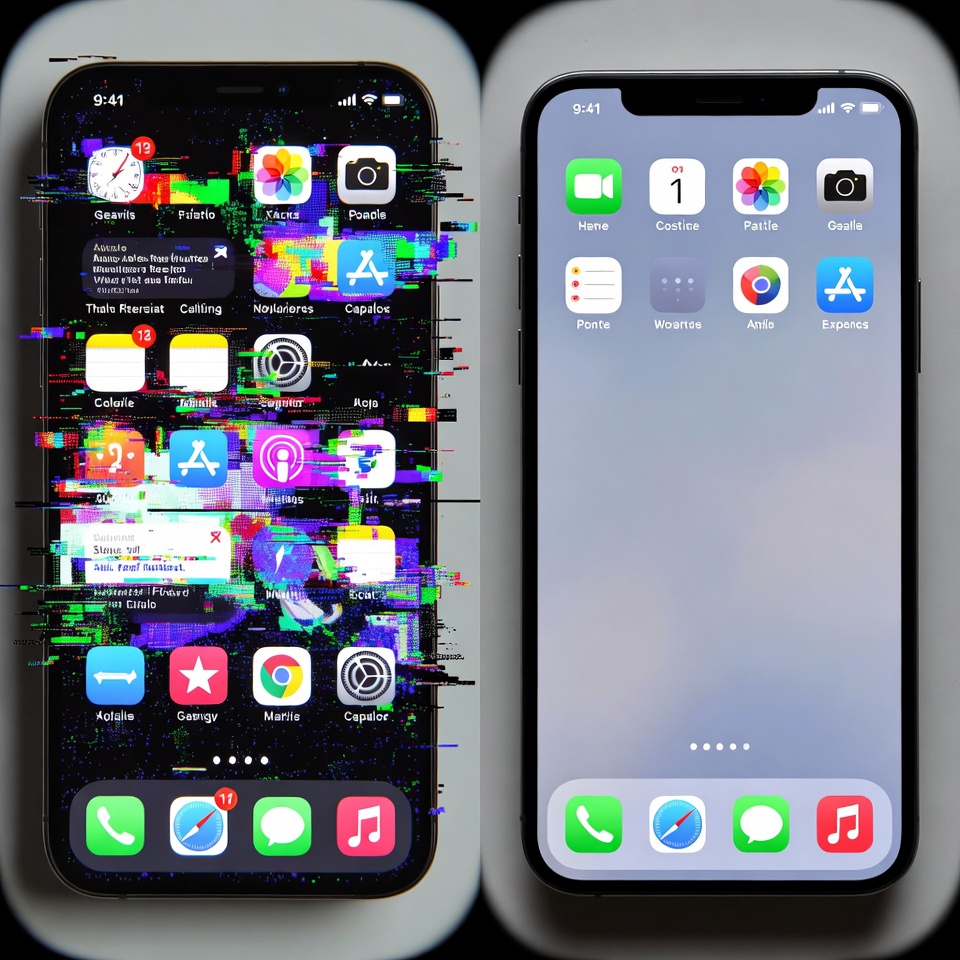
Ready to find your five hours? Let’s begin. This process is broken into three powerful phases.
Phase 1: The Ruthless Reckoning (Audit & Uninstall) 🔍
This is the most cathartic part. We’re going to surgically remove everything that doesn’t serve you.
Step 1: The App Purge
Go through every single app on your phone, one by one. For each one, ask these three questions:
- Do I use this regularly? (If not weekly or monthly, it goes.)
- Does this app bring me joy or add significant value? (Your banking app might not bring joy, but it’s essential. A game you haven’t opened in 6 months and just makes you feel guilty? Delete it.)
- Can I access this through a browser just as easily? (Many shopping, food delivery, and social media sites work perfectly in a browser, saving precious storage and distraction.)
The 60-Second Trick: Can’t decide? Move the app to a folder called “On Trial.” If you don’t go into that folder to use it for 30 days, delete it without a second thought.
Step 2: The Photo & Video Cleanse
This might be the biggest time-saver. We’re not organizing yet, just deleting the junk.
- Open your photos app and start with the “Screenshots” and “Recently Deleted” albums. Mass delete them.
- Use the “Select” function to quickly swipe through and delete all blurry photos, accidental shots, and duplicate images. You’ll be amazed at how many you have.
Read also: Make Alexa or Siri Your Personal Productivity Coach
Phase 2: Architect Your Attention (Organize & Systematize) 🗂️
Now that we’ve cleared the rubble, let’s build a system that supports your focus.
Step 3: The Mindful Home Screen
Your home screen is prime real estate. It should only hold what you use daily. Everything else goes off-screen.
- The One-Page Rule: Challenge yourself to have only one home screen page. This single act forces you to be intentional.
- Use Folders Strategically: Group remaining apps into broad, logical folders like “Finance,” “Health,” “Travel,” and “Social.” This reduces visual clutter and adds one extra step before mindlessly opening an app.
- Embrace the Dock: Your dock (the bottom row of icons) is for your absolute essentials—maybe your phone, messages, calendar, and maps.
Step 4: Tame the Notification Beast 🦁
Notifications are the biggest thieves of focus. It’s time to fight back.
- Go to your settings and turn off all notifications except for the truly essential (e.g., direct messages from real people, calendar alerts).
- Be ruthless with social media, news, and promotional app notifications. You can check these apps on your time, not when they demand it.
- Schedule a “Do Not Disturb” mode for your focus hours and sleep time.

Phase 3: Forge New Habits (Automate & Maintain) 🤖
Decluttering is a one-time event; maintaining it is an ongoing practice. Use technology to help you.
Step 5: Leverage Built-in Tools
- Screen Time / Digital Wellbeing: Use these built-in features to set app timers. When your 15-minute daily limit for Instagram is up, the app will lock. This creates a powerful, automatic boundary.
- Search is Your Friend: With a clean, folder-based system, you don’t need to remember where every app is. Just swipe down and search for it by name.
Step 6: Schedule Your Scrolling
This is the master habit that will reclaim your five hours. Instead of checking social media or news throughout the day, schedule 1-2 specific, time-bound sessions for it. For example, 20 minutes after lunch and 20 minutes after work. Outside of those times, you simply don’t check. This breaks the cycle of endless, reactive scrolling.
Your 5-Hour Payoff: Where Does It Come From? 💰
Let’s do the math. By eliminating just:
- 10 minutes of morning scrolling
- 15 minutes of “boredom checks” throughout the workday
- 20 minutes of mindless evening surfing
…you’ve already saved 45 minutes a day. That’s 5.25 hours in a week. This is a conservative estimate for many people!
The Final Step: Your Weekly Reset ⚙️
Make this sustainable. Set a calendar reminder for a 10-minute “Digital Reset” every Sunday evening. Use this time to:
- Delete any new unused apps.
- Clear out your photo “Recently Deleted” folder.
- Review your screen time report and adjust app limits if needed.
By following this guide, you’re not just organizing your phone. You are redesigning your relationship with technology and, more importantly, reclaiming your most precious resource: your attention. Your future self, with five extra hours a week, will thank you. 🎉













 English
  Deutsch
  Français
  Italiano
  Español
  Čeština
  Polski
  Bahasa Indonesia
  Türkçe
  Svenska
  Українська
  Português do Brasil