





You know the classic Pomodoro Technique: 25 minutes of work, 5-minute break, repeat. It’s a fantastic tool to beat procrastination. But what happens when your timer buzzes right as you’re hitting a creative flow? Or when 25 minutes isn’t enough to even open the complex spreadsheet you need to tackle? You end up either resenting the timer or ignoring it completely.
The secret isn’t to abandon Pomodoro—it’s to upgrade it. Think of the standard 25/5 as the factory setting. By customizing the work and break intervals to match your brain’s natural rhythm and the specific type of task, you transform it from a simple timekeeper into a precision engine for deep work. Here’s how to tailor your focus sessions for maximum output.
Why One Size Doesn’t Fit All: The Problem with 25/5
The original Pomodoro is perfect for combating distraction and getting started. But it has limitations:
- It interrupts deep flow states, which can take 10-15 minutes to enter.
- It’s insufficient for complex tasks (like coding, writing, or analysis) that require extended concentration.
- The 5-minute break is wrong for true mental recovery after intense cognitive effort.
Your brain isn’t a robot. Different tasks require different gears. Let’s customize.
Upgrade #1: The Flow State Pomodoro (For Creative/Deep Work)
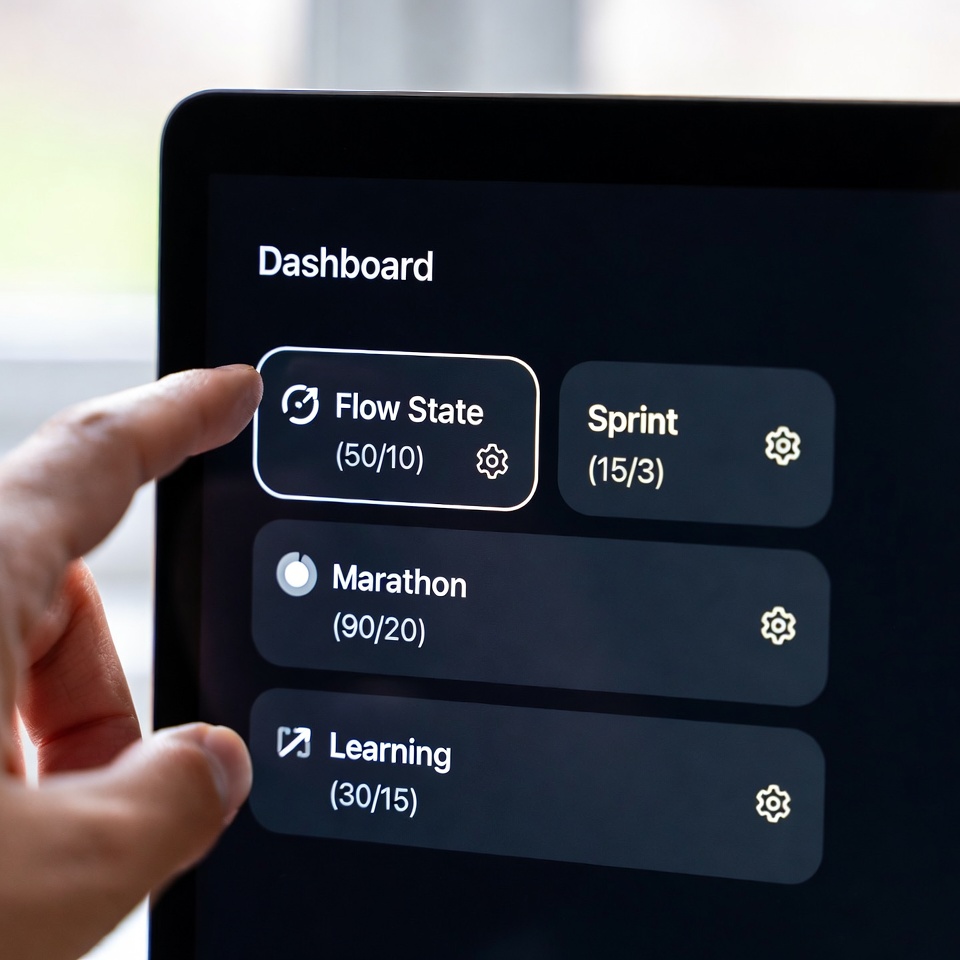
Structure: 50 minutes work / 10 minutes break.
This is for writing, designing, programming, or any task where you need to get into the zone.
- Why it Works: It provides a long enough runway to overcome initial resistance and sink into a state of deep focus without immediate interruption.
- The Break Science: After 50 minutes of intense cognitive labor, your brain needs more than 5 minutes to replenish neurotransmitters. A true 10-minute break (away from screens!) allows for mental recovery.
- Pro Tip: Use the first 5 minutes of the work session for activation: review notes, open documents. The next 45 are for undisturbed creation.
Upgrade #2: The Sprint Pomodoro (For Admin & Shallow Work)
Structure: 15 minutes work / 3 minutes break
This is for email, data entry, cleaning your inbox, scheduling, or any tedious, low-cognitive task you’re avoiding.
- Why it Works: For unpleasant tasks, a 25-minute block feels like a marathon. A 15-minute sprint feels manageable. You can tolerate anything for 15 minutes. This creates rapid momentum and clears small tasks quickly.
- The Break Science: The short break is just enough to reset without losing task momentum. Stand up, stretch, take three deep breaths.
- Pro Tip: Batch similar shallow tasks together. Do four Sprints (60 mins total) to power through your entire administrative backlog.
Read also: 10 ChatGPT Prompts to Triple Your Work Productivity
Upgrade #3: The Learning & Absorption Pomodoro (For Studying or New Information)
Structure: 30 minutes study / 15 minutes break.
This is for actively learning new material—reading textbooks, watching training videos, studying notes.
- Why it Works: Neuroscience shows that memory consolidation happens most effectively in the first and last minutes of a learning session, and during breaks. More frequent, longer breaks increase the number of these primacy/recency cycles and give your brain time to process and encode information.
- The Break Science: The 15-minute break is active recall. Don’t pick up your phone. Instead, walk around and explain what you just learned in your own words, or jot down key points from memory on a whiteboard.
- Pro Tip: Use the last 2 minutes of your 30-minute work block to summarize what you just learned in one sentence.
Upgrade #4: The Marathon Session (For Project Completion)
Structure: 90 minutes work / 20-30 minute break.
This is for major, uninterrupted project work when you have a large block of time (e.g., a Sunday morning). It’s essentially two Flow State sessions back-to-back with a substantial recovery break.
- Why it Works: It aligns with our body’s natural ultradian rhythms—90-minute cycles of alertness followed by a period of lower focus. You ride the wave of your highest natural energy.
- The Break Science: The 20-30 minute break is for genuine recovery. Eat a healthy snack, take a short walk, do light stretching. This resets your focus for the next potential 90-minute cycle.
- Pro Tip: Schedule only 1-2 of these per day. They are cognitively draining and should be reserved for your most important work.
How to Choose Your Upgrade: A Simple Flowchart
- Task: Creative/Deep Work (Write, design, code) → Use the Flow State (50/10).
- Task: Administrative/Shallow Work (Email, organizing) → Use the Sprint (15/3).
- Task: Learning New Information (Study, research) → Use the Learning (30/15).
- Task: Major Project Block (Weekly review, big report) → Use the Marathon (90/25).
Your Tech Stack: Timers That Handle Customization
Forget the basic kitchen timer. Use apps that save these custom presets:
- Focus Keeper: Simple and highly customizable for different intervals.
- Be Focused: Lets you create multiple timer profiles for different tasks.
- Toggl Track: Combines custom Pomodoro timers with time tracking for clients or personal analytics.
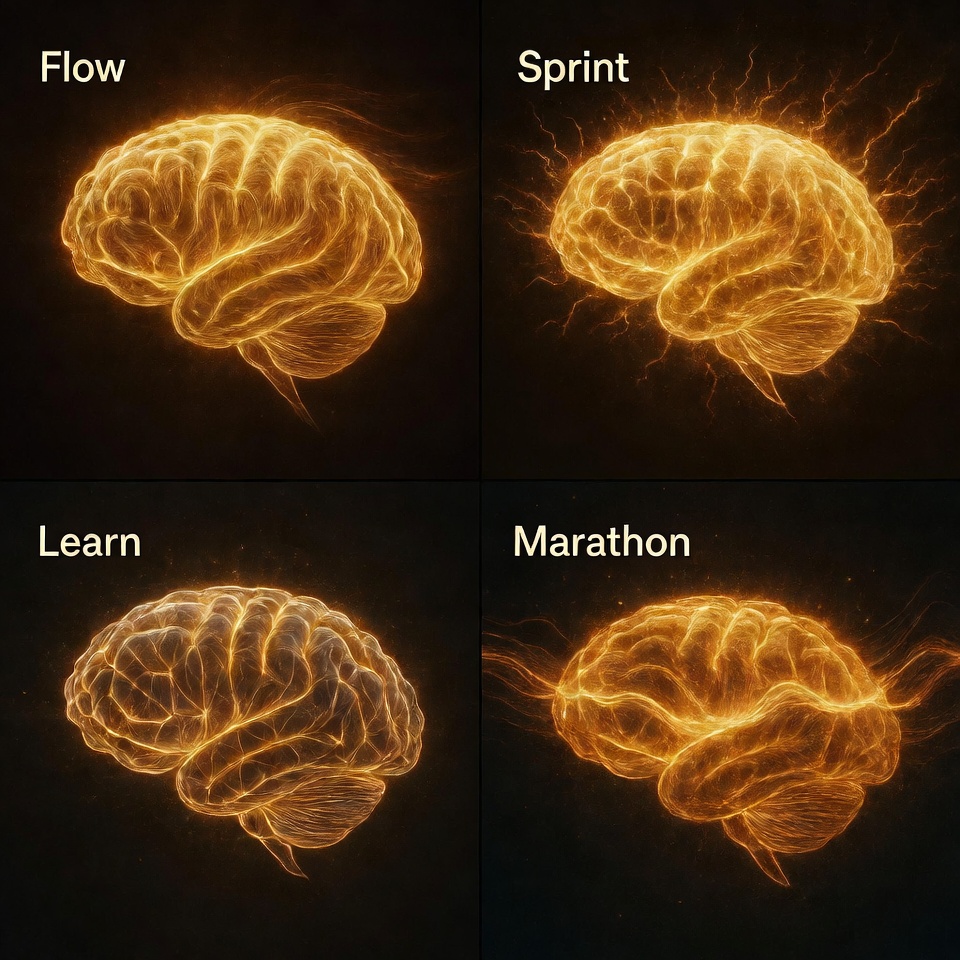
Your Custom Pomodoro Template
Copy this into a note-taking app:
My Pomodoro Presets:
- Deep Work Mode: 50 min work / 10 min break | For: Writing, designing, complex problems.
- Admin Sprint Mode: 15 min work / 3 min break | For: Email, calls, cleaning tasks.
- Learning Mode: 30 min study / 15 min active recall break | For: Courses, reading, research.
- Project Marathon: 90 min work / 25 min recovery break | For: Weekly planning, big project chunks.
Today’s Schedule:
- 9:00 AM: [Task] — Use [ ] Preset
- 10:30 AM: [Task] — Use [ ] Preset
- 1:00 PM: [Task] — Use [ ] Preset
The ultimate productivity hack isn’t a rigid rule—it’s a flexible system. By upgrading your Pomodoro technique, you stop fighting your natural focus rhythms and start harnessing them. Your timer is no longer your boss; it’s your biomechanic, fine-tuning your mental engine for the specific race ahead. Now, set it, forget it, and flow.









 English
  Deutsch
  Français
  Italiano
  Español
  Čeština
  Polski
  Bahasa Indonesia
  Türkçe
  Svenska
  Українська
  Português do Brasil