


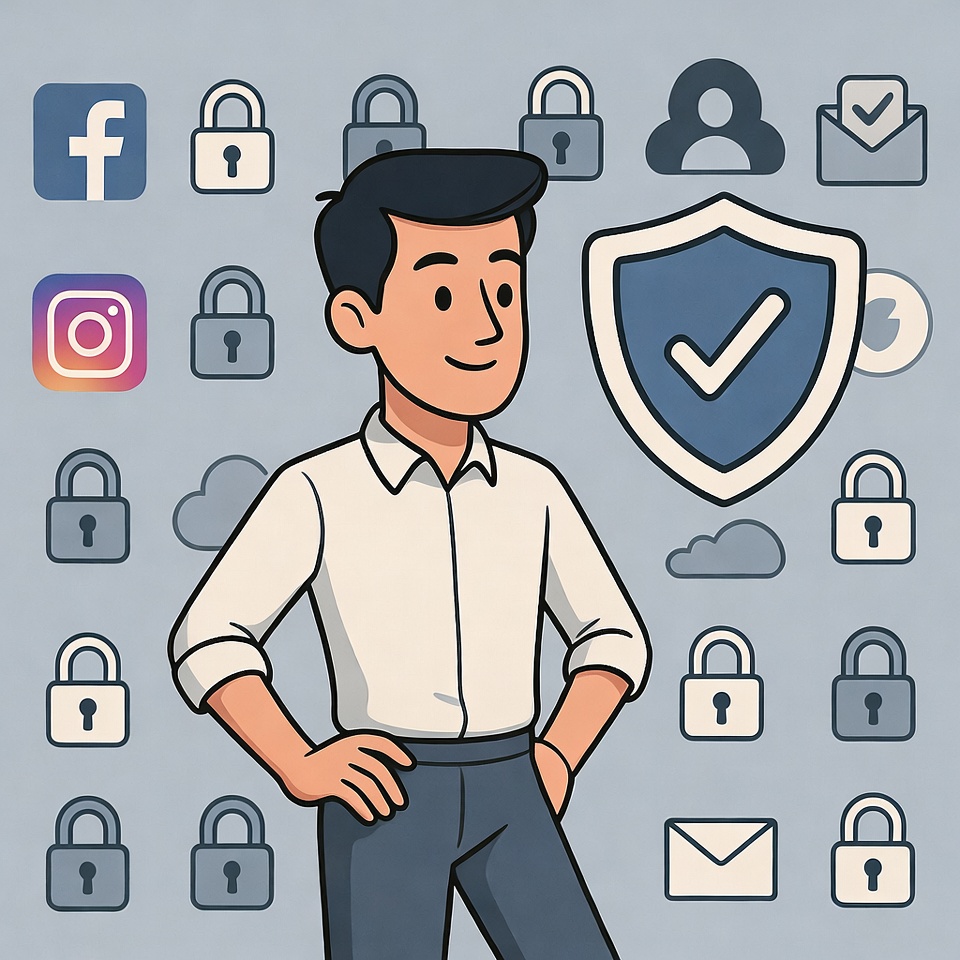
🔐. I used to have the same password for everything. It was my dog’s name followed by my birth year – secure, right? Then one day, I got that dreaded we’ve detected suspicious activity email. Panic set in as I realized how many accounts were tied to that one vulnerable password.
After that wake-up call, I became obsessed with password security. What I discovered surprised me: the strongest passwords aren’t necessarily the most complex ones, and you don’t need a photographic memory to manage them all.
The Myth of Complexity ❌
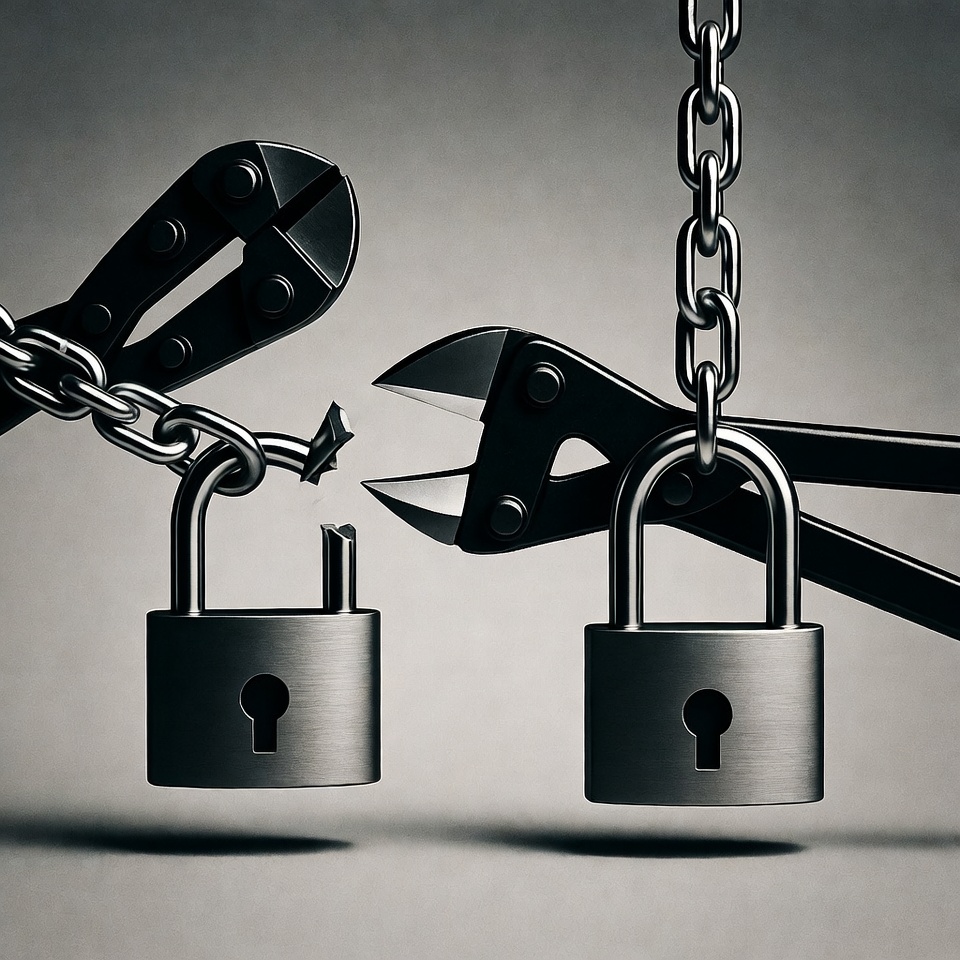
For years, we’ve been told to create passwords with uppercase letters, numbers, and symbols. But here’s the secret the security experts know: length beats complexity every time.
Consider these two passwords:
Tr0ub4d0r!(11 characters)correct-horse-battery-staple(25 characters)
The first looks “secure” but can be cracked in about 3 days. The second would take over 500 years. The difference? Length.
Read also: How to create a strong password
The Memory-Friendly Method 🧠
So how do you create long, secure passwords you can actually remember? Use this formula:
Base Word + Personal Code + Site Identifier
Let me show you how it works:
- Choose a Base Word: Pick 3-4 random words that create a memorable image. For example:
BlueCoffeeRain - Add Your Personal Code: Create a standard symbol-number combination you’ll always remember. Example:
$23 - Include Site Identification: Add the first and last letter of the website name. For Facebook:
Fk
Final Password: BlueCoffeeRain$23Fk
This gives you:
- Length (19+ characters)
- Complexity (uppercase, lowercase, symbols, numbers)
- Uniqueness for every site
- Memorability through patterns
The Password Manager Advantage 🗄️
Even with this system, remembering dozens of passwords is challenging. That’s where password managers come in.
Why they’re game-changers:
- Remember one master password, and they handle the rest
- Generate and store ultra-strong random passwords
- Auto-fill across devices
- Alert you about compromised passwords
I use Bitwarden (free and excellent), but 1Password and LastPass are also popular.
Your Master Password Strategy 👑
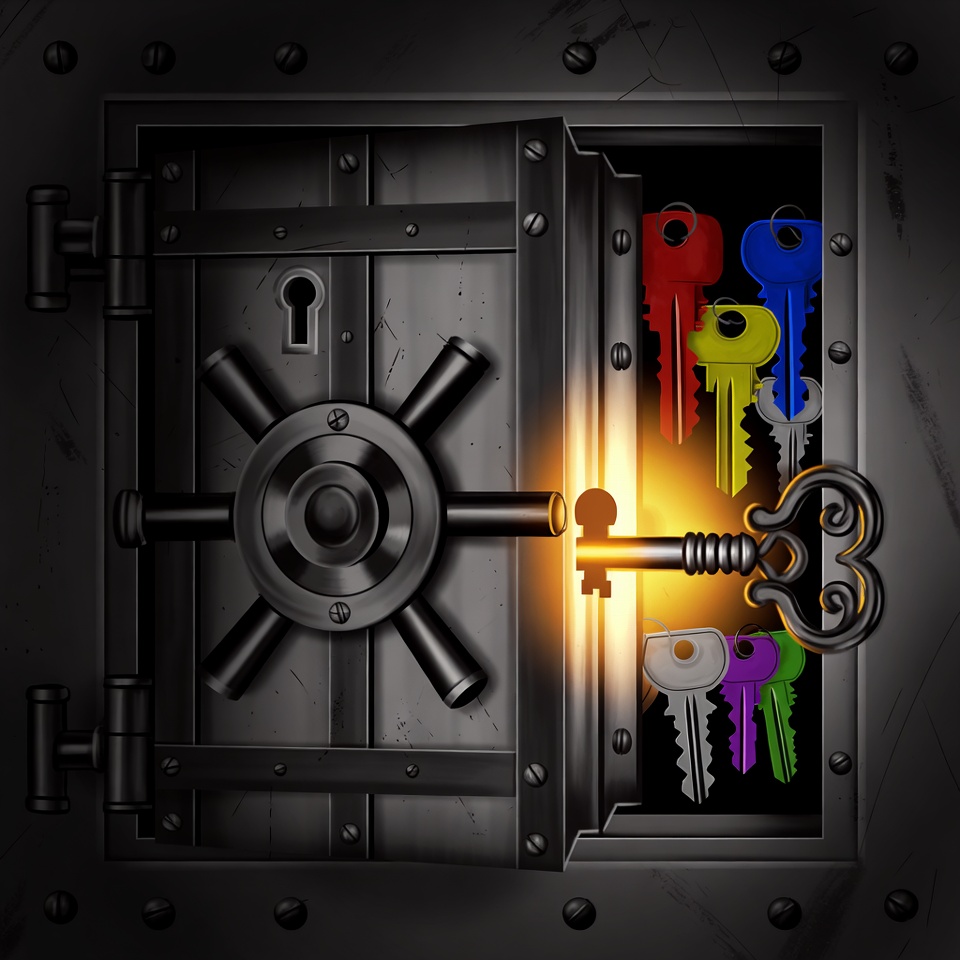
Your password manager needs one incredibly secure master password. This is where you pull out all the stops.
Create a “Password Sentence”:
Think of a sentence from your life that nobody else would know. For example: MyFirstCarWasARed1998Toyota!
- Length: 28 characters
- Contains uppercase, lowercase, numbers, symbols
- Easy for you to remember
- Nearly impossible for others to guess
The Two-Factor Force Field 🛡️
Even the best password needs backup. Two-factor authentication (2FA) adds an extra layer of security.
How it works:
- You enter your password
- You provide a second proof of identity (usually a code from your phone)
- Even if someone steals your password, they can’t access your account
Enable 2FA on:
- Email accounts (most important!)
- Banking and financial services
- Social media
- Any service that offers it
Your Password Action Plan 🚀
Week 1: Foundation
- Choose your password formula
- Create your master password sentence
- Set up a password manager
- Enable 2FA on your email account
Week 2: Critical Updates
- Change banking and financial passwords
- Update email passwords
- Secure main social media accounts
Week 3: Ongoing Maintenance
- Update remaining important accounts
- Set a quarterly password review reminder
- Share this method with family members
The Peace of Mind Payoff ✨
Since implementing this system:
- I have 50+ unique, strong passwords
- I only need to remember one master password
- I get alerts about potential security issues
- I’ve eliminated the “forgot password” cycle
The best part? When I get those “security breach” notices now, I just shrug. I know that even if one password is compromised, all my other accounts remain safe.
Remember This 💡
Your digital security isn’t about building fortresses no one can penetrate. It’s about creating layers of protection that make you a less appealing target than the next person.
Start today with one password. Choose your formula, create your first secure password, and take that first step toward digital peace of mind. Your future self will thank you every time you read about another data breach while knowing you’re protected.







 English
  Deutsch
  Français
  Italiano
  Español
  Čeština
  Polski
  Bahasa Indonesia
  Türkçe
  Svenska
  Українська
  Português do Brasil